Same Saturday, one place.
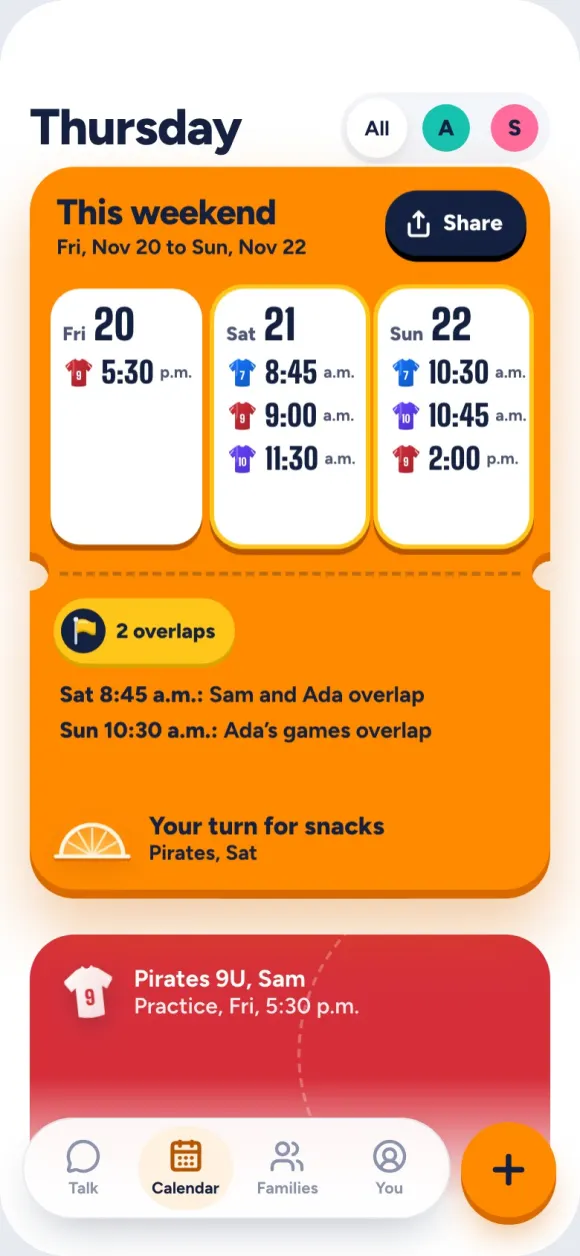
Your kids won’t ever open it, and it doesn’t care what sport they play. It’s for the parent doing the driving. Every game from every team sits on one calendar. You see it once, and it stays right.
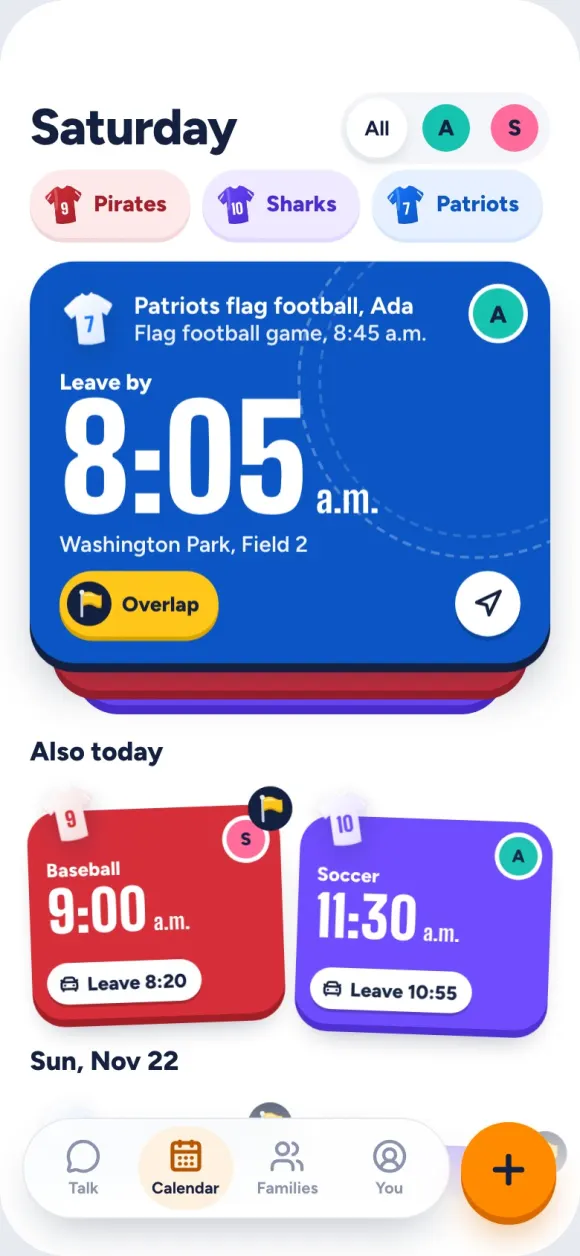
Orange Slice brings every league’s schedule and every team’s chat into one app for parents. One place to check, and a much simpler week.
Every league picks its own app, and every team starts its own group text. So you check three apps, scroll forty messages about snacks, and still hear about the time change in the parking lot.
A team app works great when every team uses it. When your kids play in different leagues, none of them do.
Your kids won’t ever open it, and it doesn’t care what sport they play. It’s for the parent doing the driving. Every game from every team sits on one calendar. You see it once, and it stays right.
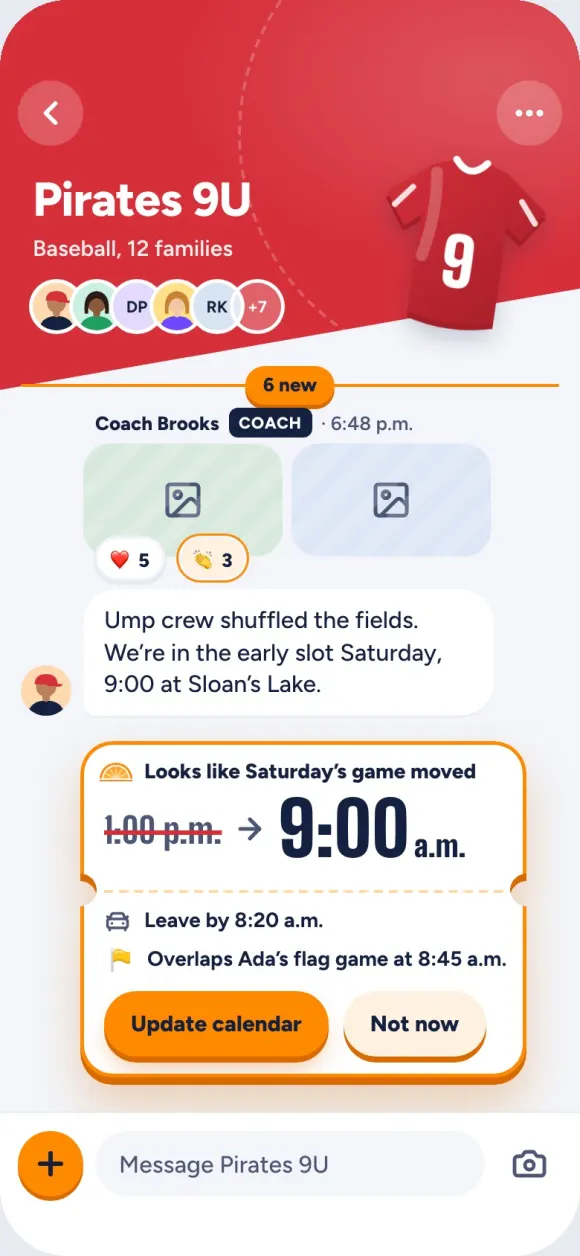
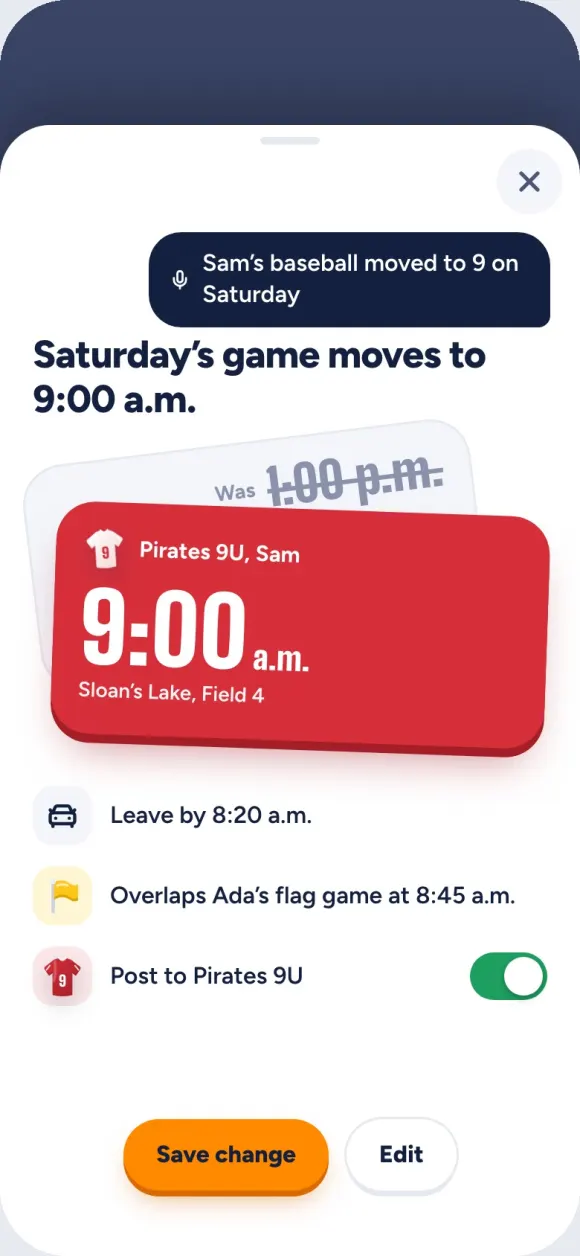
Each team gets its own chat, kept with your games instead of in your messages. Every parent shows up with their kid’s name. When the coach posts a new time, one tap fixes your calendar.
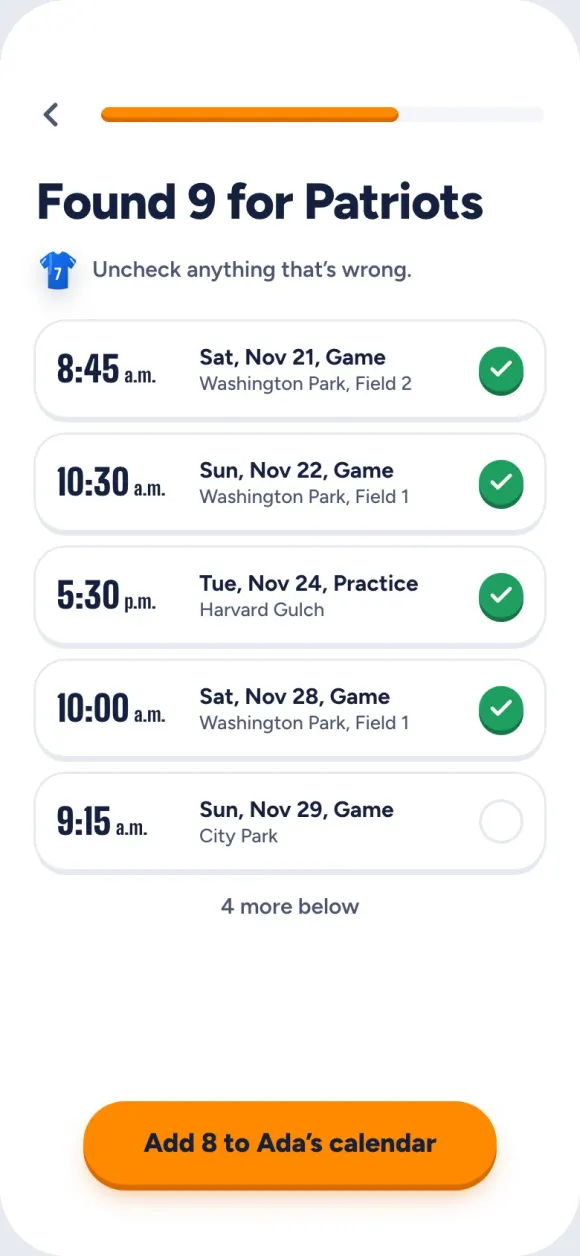
Bring in every league, whatever app it uses: screenshot the schedule, paste a calendar link, or type it in. Nobody else on the team has to switch.
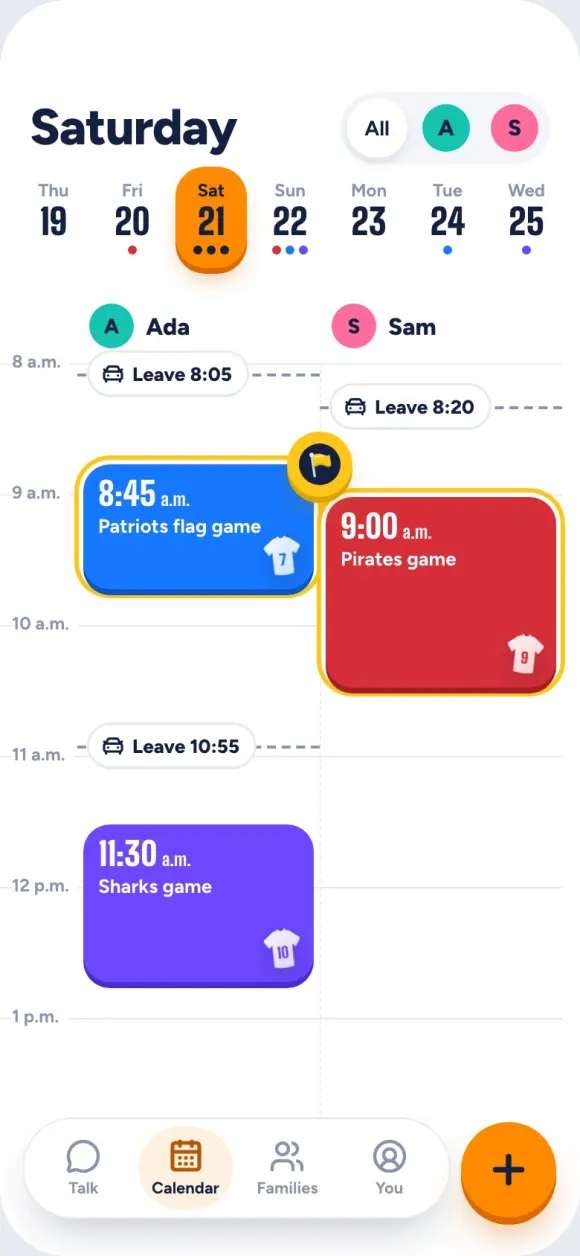
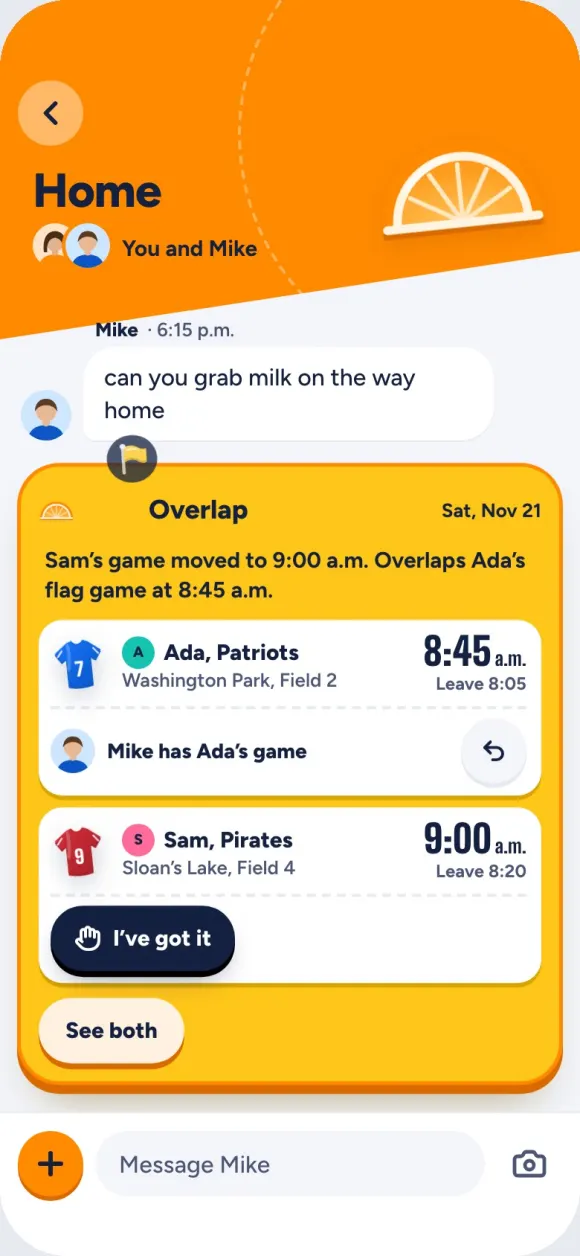
When two games overlap, the yellow flag shows up before the weekend does. You and the other parent each claim one.
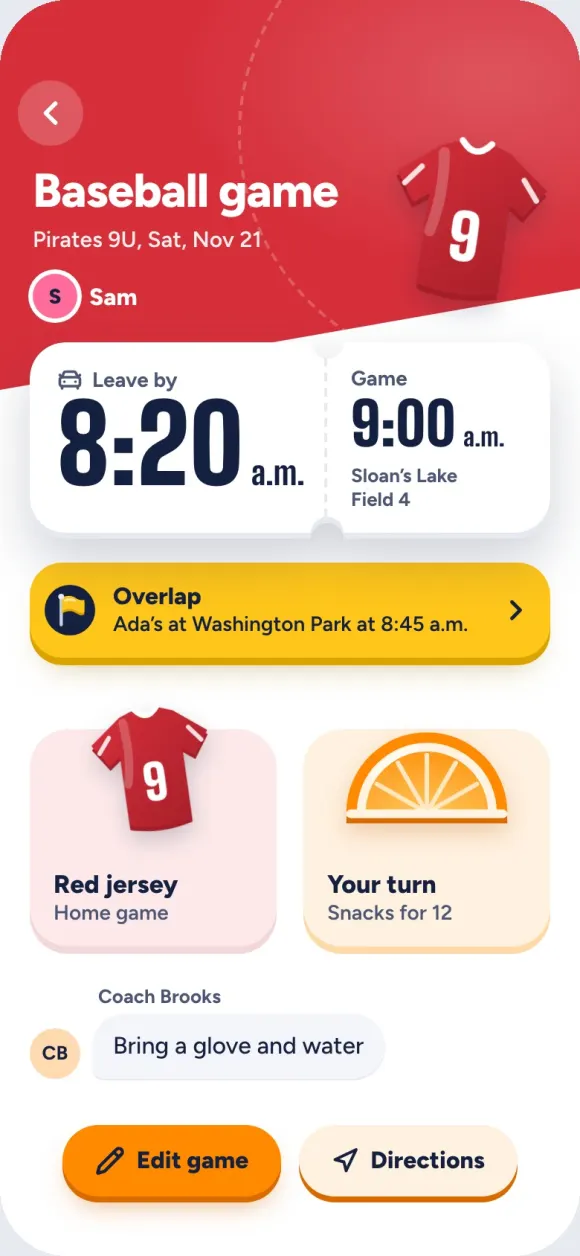
Every game gets a leave-by time from where you are and the traffic. The jersey, the snacks and what the coach said to bring are right there too. It moves when you do.
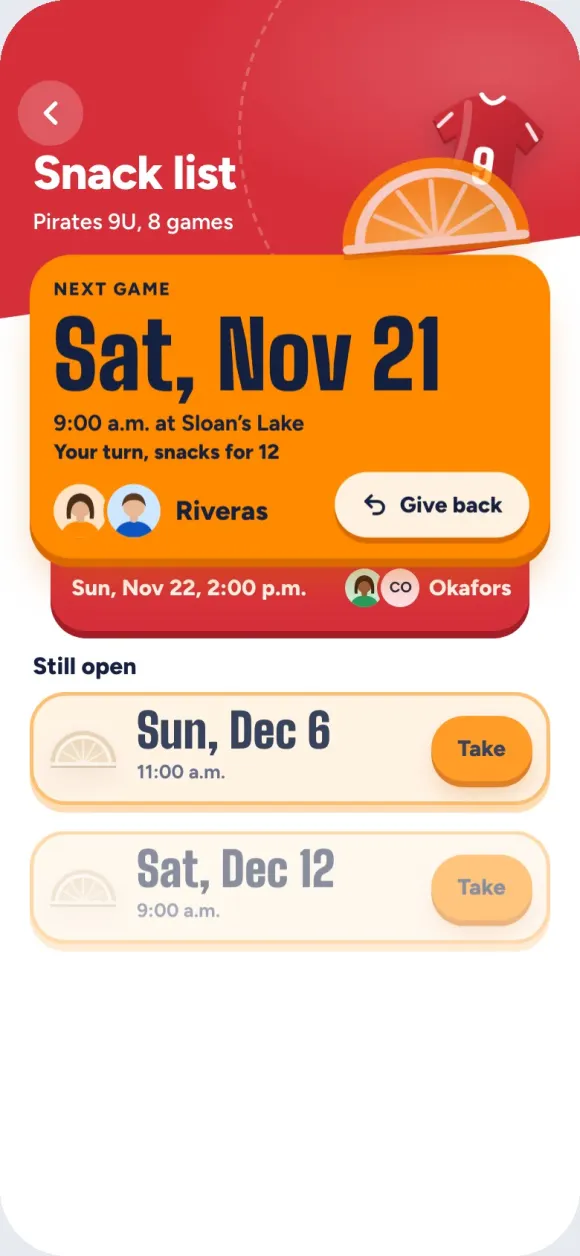
And of course there’s a snack list.
For parents with kids on more than one team. The other parents can keep their apps.
Every family, team and message here is made up.